How UniView works
One assessment.
Your passport across the platform.
We don't ask trivia. We give you real engineering scenarios · bugs in real code, PRs to review, a product to design · and we score you against the seniority bar you declared at intake.
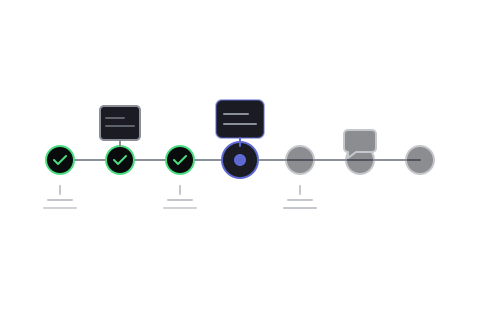
1 · You declare your tier and pick your stack
At catalog you choose Junior / Mid / Senior / Staff (the seniority bar) and the stack you actually use day-to-day (e.g., React + TypeScript + CSS, or Python + FastAPI + AWS). Tier sets duration and depth; stack sets which scenarios show up.
2 · Seven phases over ~150 minutes (Senior reference)
Rapid Fire warmup → Bug Hunt → Code Review → Build / Refactor → Product Engineering → Reason Out Loud → Work Style. Junior runs five phases (~90 min). Staff runs eight (~180 min) and adds a Lead-through-ambiguity vignette. Two optional 5-min breaks; they don't count toward the active total.
3 · Per-phase rubrics with cited evidence
Every score links back to the moment it was earned · "Bug Hunt 8.5 · fixed the cleanup leak at line 49 in 4m32s · explained the React render cycle in the 14:32 transcript." Hiring teams (and you) can replay any score's underlying evidence in seconds.
4 · Declared vs detected tier in the report
The report shows the tier you declared and the tier we actually detected, side by side. Same scenario, different rubric · Senior is scored against Senior expectations, Junior against Junior expectations. If detected is more than one step below declared, we recommend the lower tier and the cooldowns adjust accordingly.
5 · Companies see the report only when you share it
You control distribution. Free forever for engineers; companies buy Talent Wallet credit packs and spend credits to unlock the candidates they want to reach. Re-opening an unlock within 90 days is free. Cooldowns prevent over-fitting on a single role.